
Try the app yourself
instead of watching a demo
Pick your trade and we build a demo under your company name, filled with sample customers and jobs for your trade. You can switch to the crew view and run a visit from start to finish on your phone.
- Pick your trade. There are 45 to choose from. Add your name and company.
- Your demo opens. We also send you the link by text and email.
- Run the business. You can be the owner, the office or the crew, and switch whenever you like.
Nobody calls you and there's nothing to install. The demo is yours for 7 days and its dates always read as this week.
Your live demo, built in seconds
- Your company name, with customers and jobs for your trade
- Run a visit, from on my way to signed and paid
- It's yours for 7 days, on your phone
- Nobody calls you
Your demo opens right away
We'll email you the link too, and text it if you tick the box, so you can come back to it.
Check your texts and email
Your demo link is on its way to both. Open either one and you'll land inside your own demo. It's set up under your company name with sample customers and jobs for your trade.
The link signs you in, so there's no password to remember. The demo is yours for 7 days and its dates move forward so it always reads as this week.
Or watch it first
This is a short walkthrough of the app your demo opens. It shows a job being booked and an estimate being signed.
What you'll get to do
Run today
You can see where everyone is, what's next and the four weeks ahead. Then book a job into an open slot with whoever on the crew is free.
Run a crew visit
Switch to the crew view and go through a visit. You tap "on my way", arrive, show the customer their options and have them sign on your phone.
Work the Inbox
Each customer's conversation is in one place, and their job history is a tap away.
Get paid
Finish the job and take payment while you're there. The receipt and the review request go out without you, and the office's Today screen updates.
What else is in the app
Scroll down to see your website, booking, estimates, payments, the Inbox and reviews. Each one plays as it comes into view.
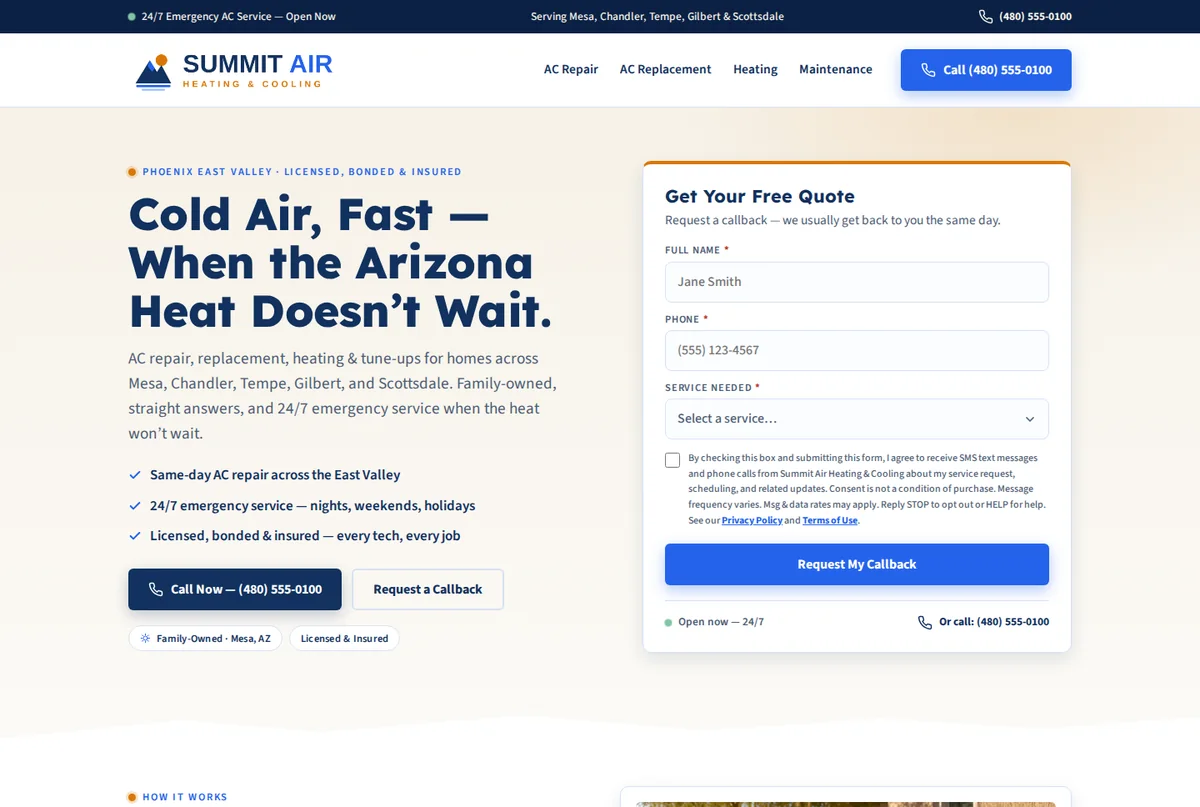
A website that brings in quote requests
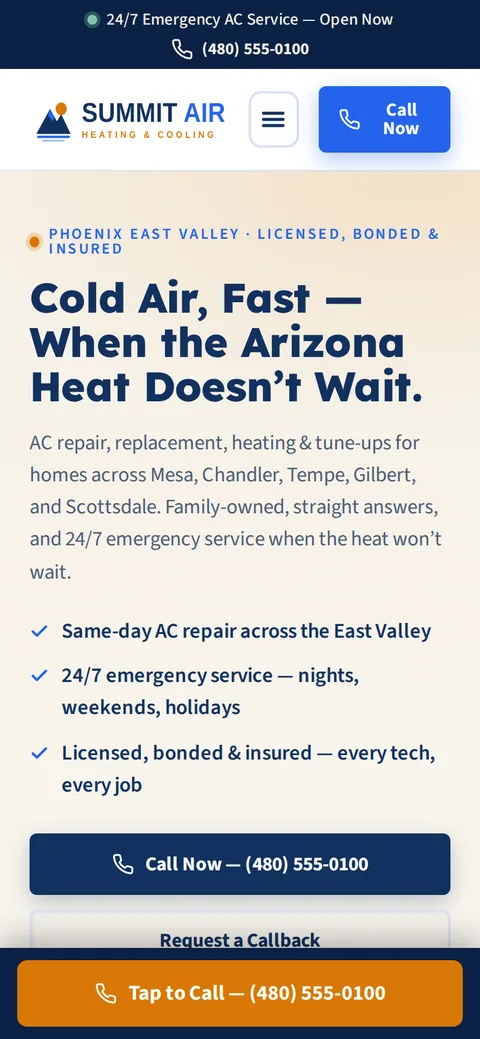
You answer a few questions and we build the site in a few minutes at no cost. Once you've looked it over, you can put it live on your own domain. It has a call button and a quote form, and the form sends each request to your Inbox. Most of your customers will find you on a phone, so that's what we build for first.
- Designed and written around your trade, logo and colors
- We host it, keep it secure and update it
- Set up so Google and AI search tools like ChatGPT can read it
- A call button and a quote form on every screen
Booking & scheduling
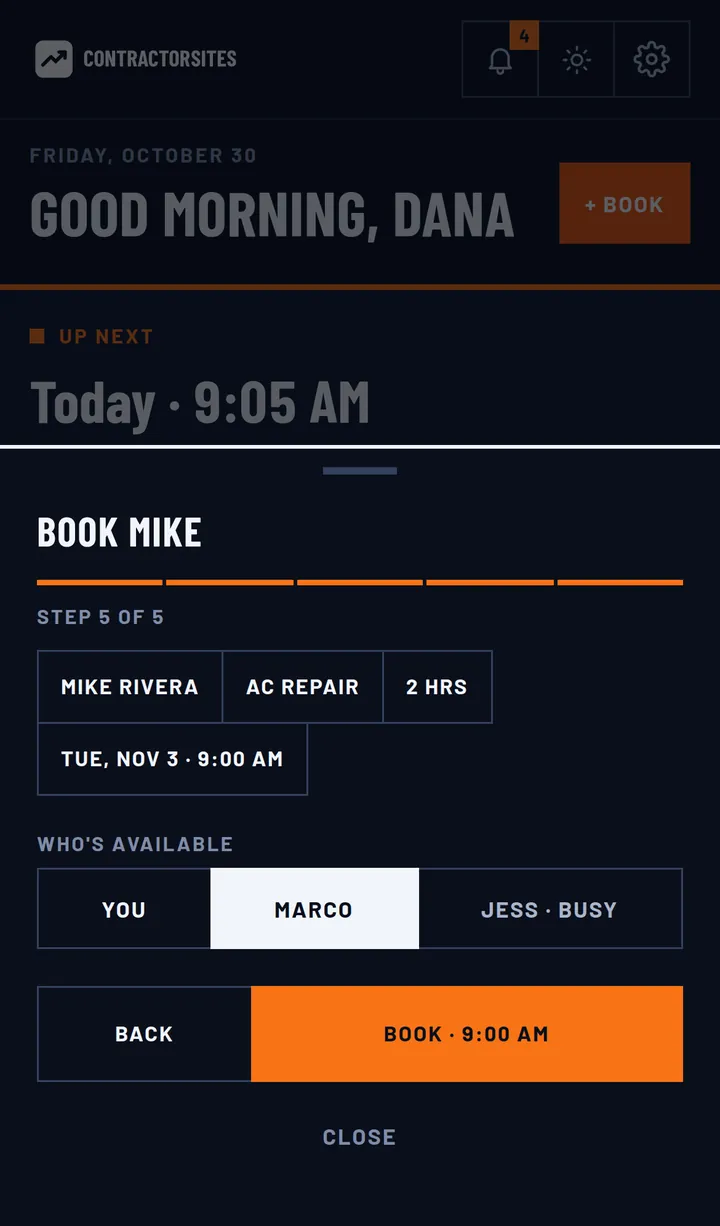
You can book a job from your phone in a few taps. Pick the service, which already has its price and length, and check who on your crew is free. The customer gets a confirmation right away.
- You can see who is busy and which days are already full
- Services carry their own prices and lengths, and jobs can run several days
- Confirmations, reminders and “on my way” notices go out without you
Estimates that get signed
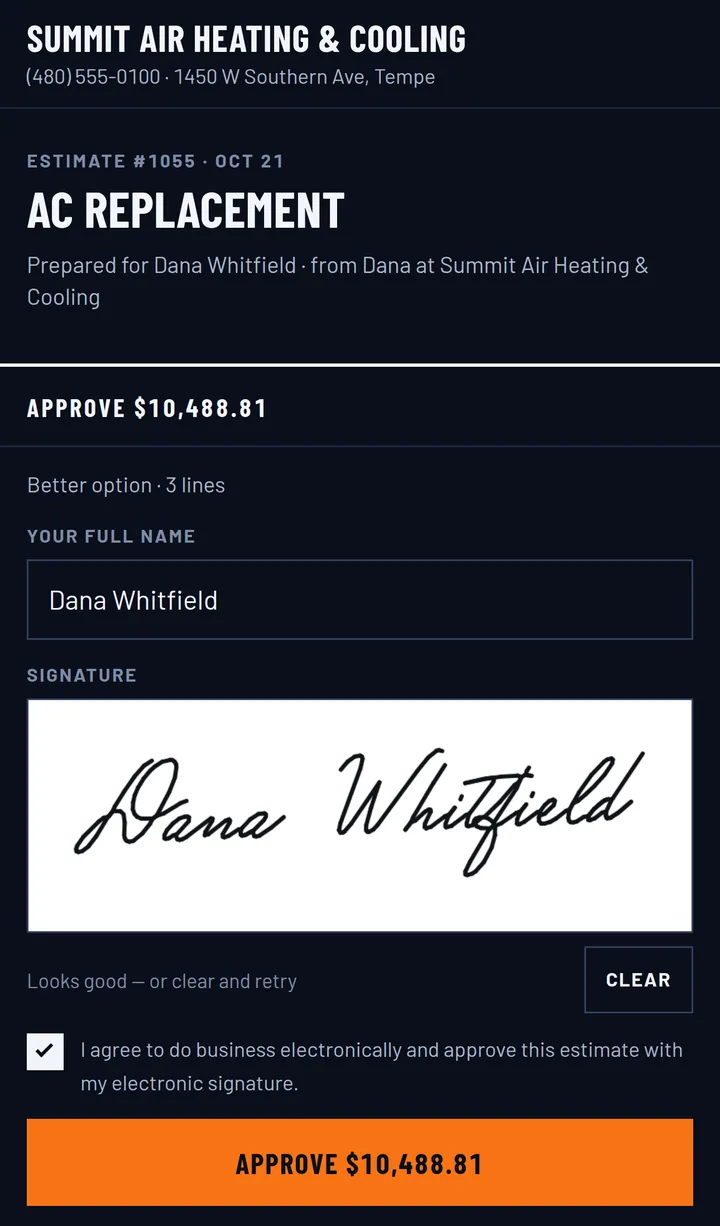
An estimate takes a couple of minutes to build from your price book. You can offer Good, Better and Best options and attach photos, notes and your contract. The customer opens it on their phone, picks one, signs it and pays the deposit.
- Good / Better / Best options pulled from your price book
- The signature and the deposit come in when they approve
- A reminder goes out if they haven't opened it
Get paid on the spot
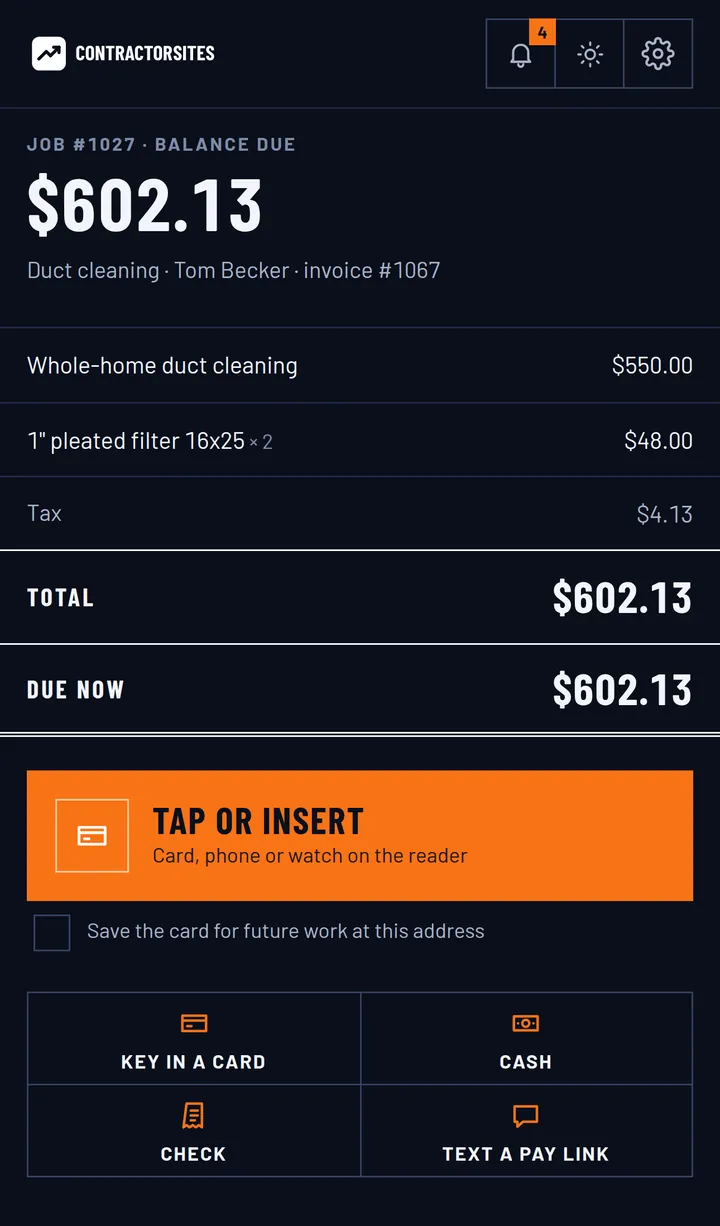
You can send the invoice with a pay link or take the card while you're still at the job, either keyed in or tapped on a reader. Customers can also pay by bank transfer or with financing, and they can add a tip. The money goes through your own Stripe or Square account.
- Card, tap, bank transfer (ACH), financing, cash or check
- Deposits and payment plans, with reminders when one is overdue
- Receipts carry your logo and sync to QuickBooks Online
Every lead in one Inbox
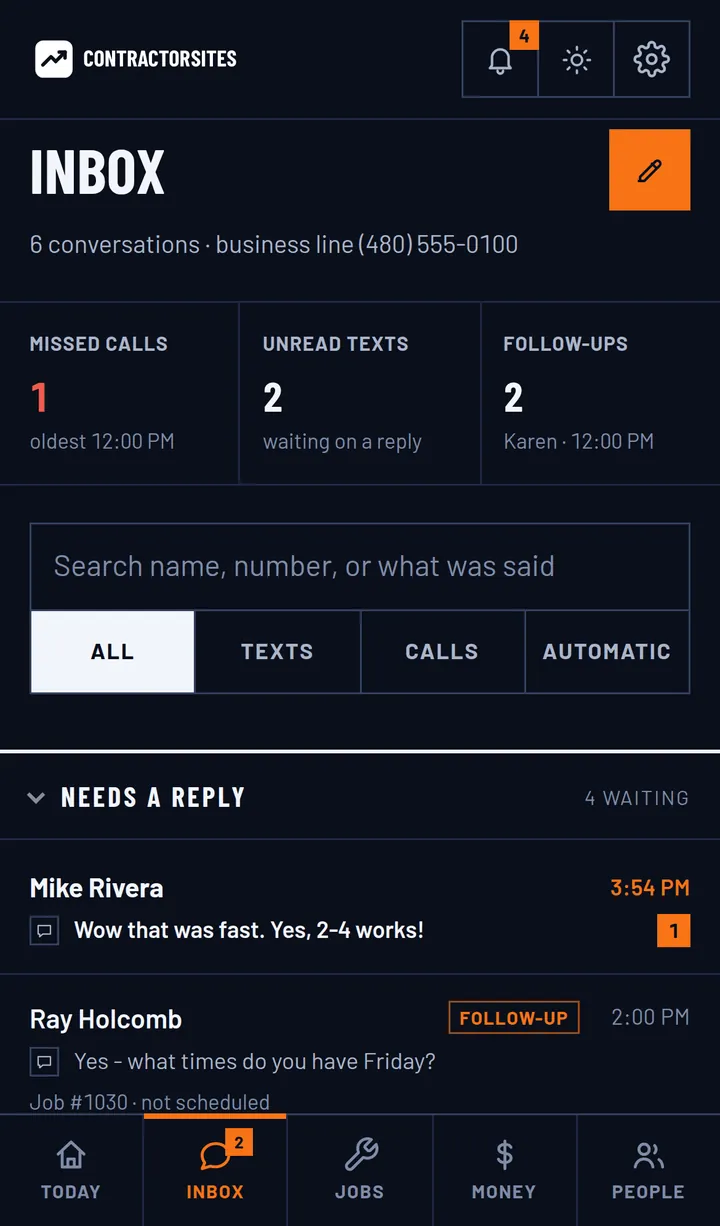
78% of customers hire the first company that responds. Leads from your website all land in one Inbox, and you get an alert when a new one arrives. That gives you a chance to reply while they're still looking.
- Each customer has one thread, so nothing gets split up
- You can flag a lead for follow-up and see what's unread
- You're alerted as soon as a new lead comes in
Review requests that send themselves
When a job is finished, the app asks the customer for a rating. If they're happy, it sends them to your Google review page. If they aren't, the feedback comes to you privately so you can deal with it.
- Every finished job gets a rating request
- An unhappy customer reaches you before Google
- You can reply to your Google reviews from the app